

What’s new
Every Revit plugin update, platform news, and new families, documented here.
See roadmapPublished versions

Improvements and fixes
We've made several performance and stability improvements, and fixed bugs in the plugin and on the website, to make your experience smoother.
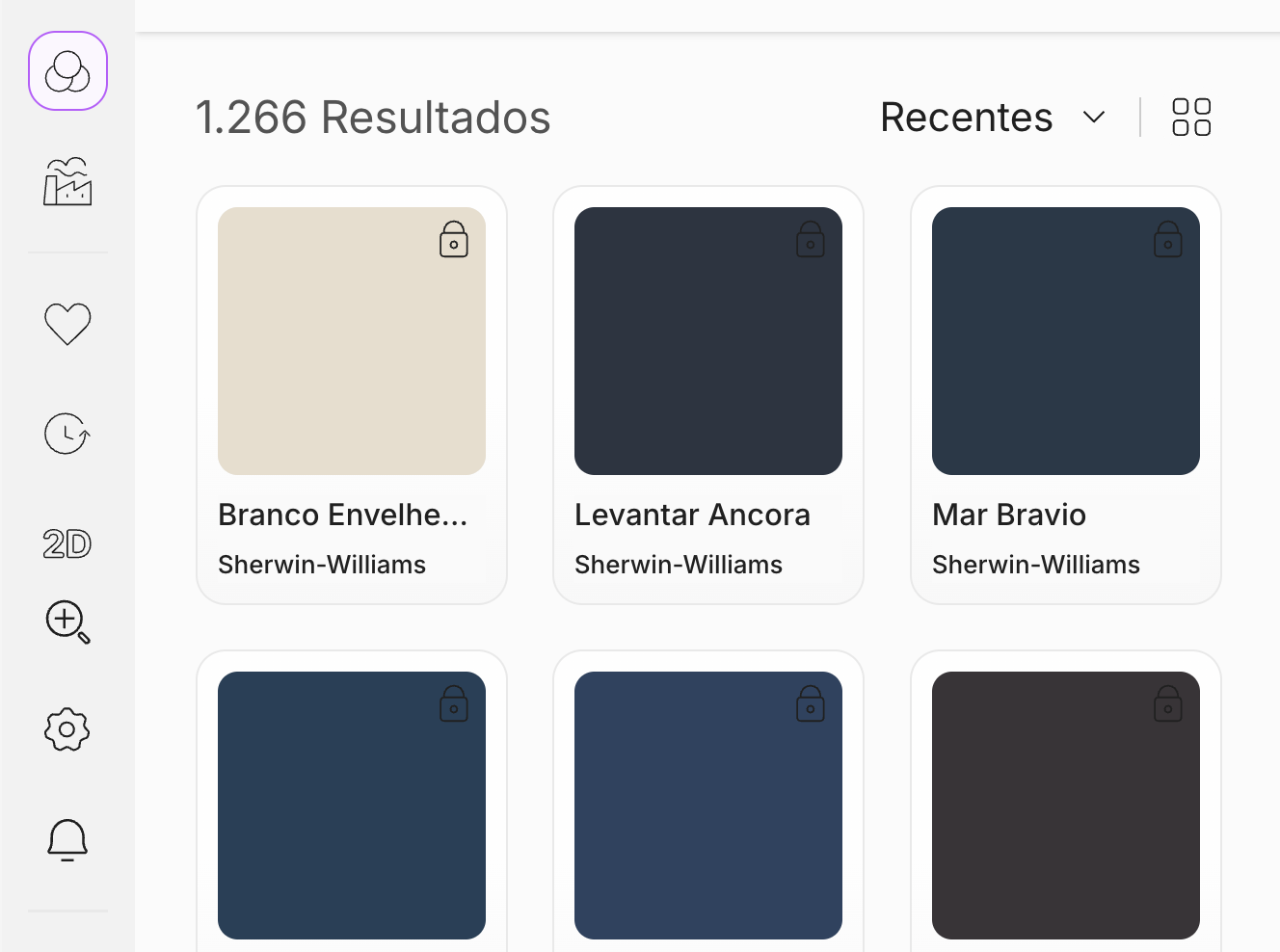
Paint support
The materials library now supports paints too. To kick things off, we've added hundreds of paints you can start using in your projects right away.
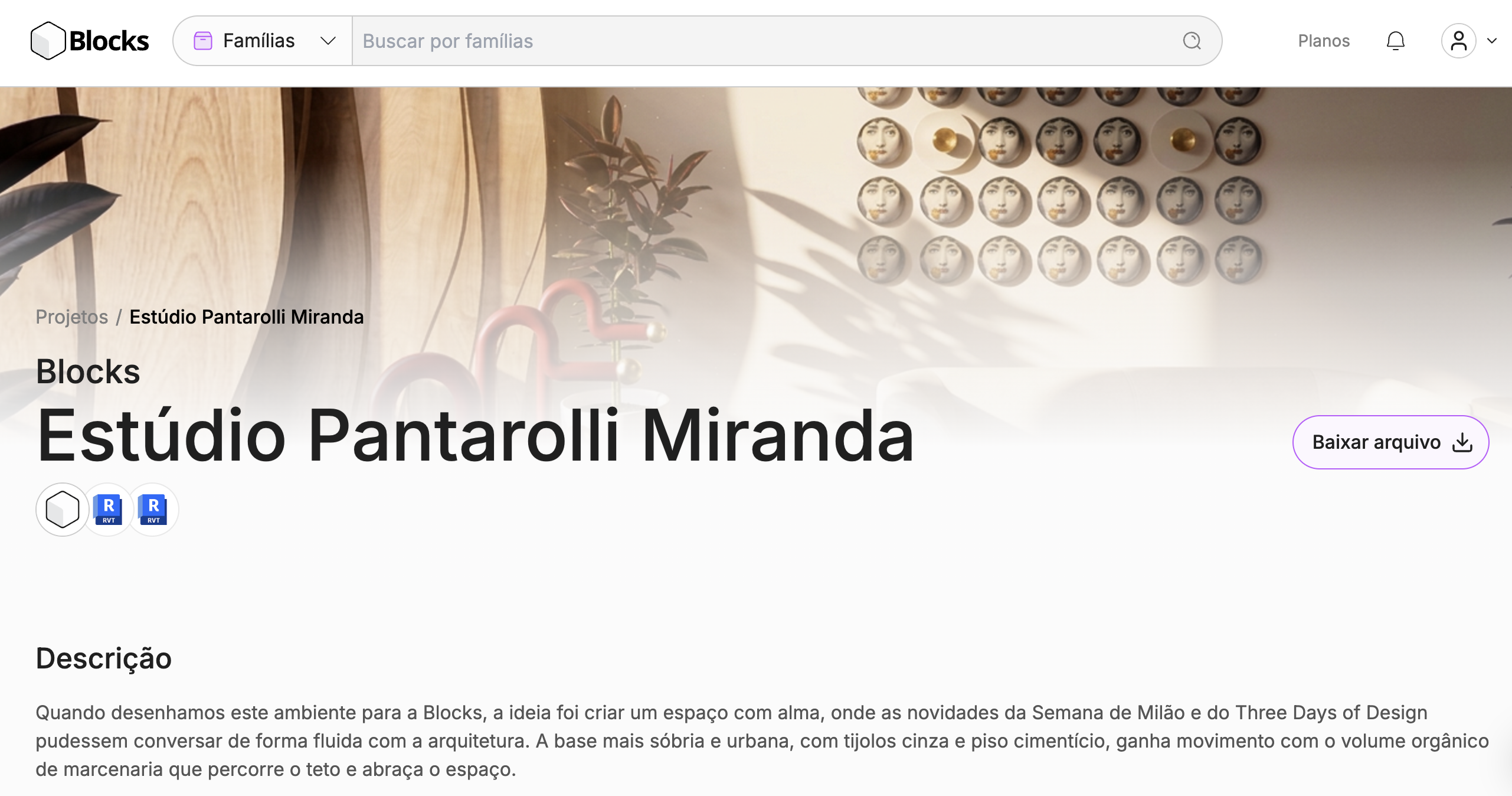
New project page
We've completely redesigned the project page. It now looks better, is more organized and shows much more information about each project, helping you evaluate and choose what to download with more confidence.
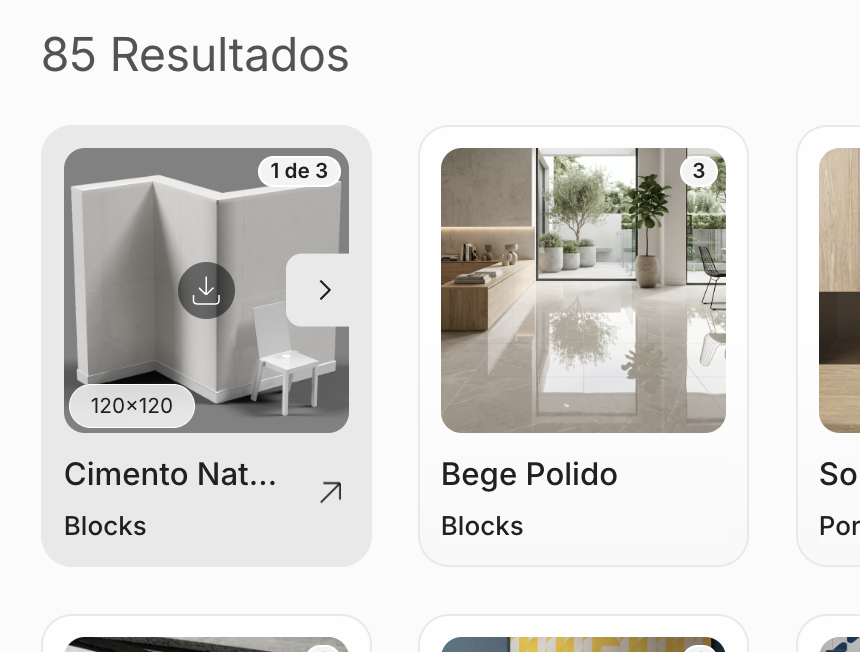
New materials experience
We've revamped the materials card to make inserting materials into Revit easier. The process is now faster and more intuitive, with fewer steps between finding a material and applying it to your project.
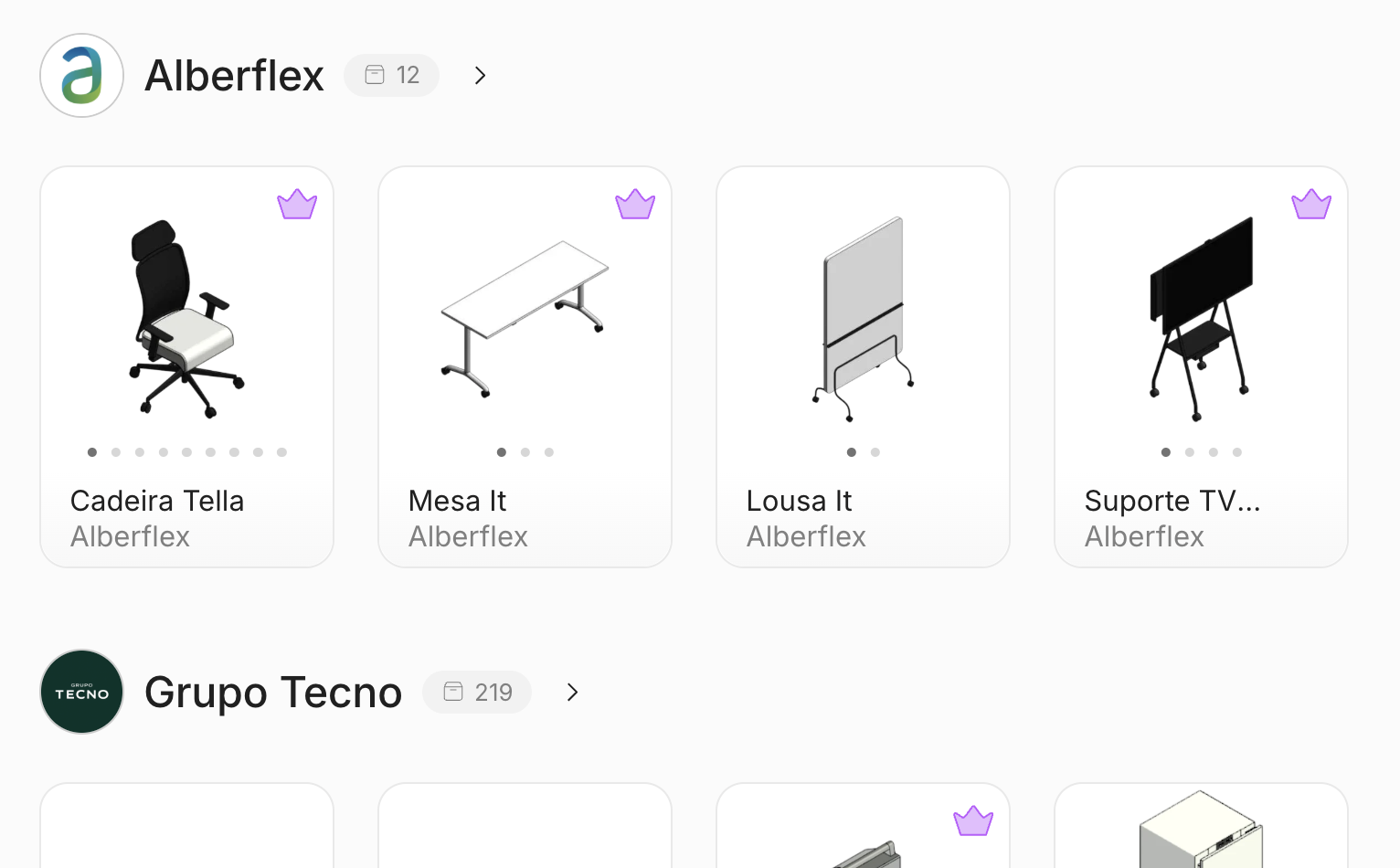
New manufacturers screen
We've redesigned the manufacturers screen to make discovering new content easier. It now features a highlighted manufacturers section right at the top and shows a preview of each manufacturer's available families, so you know what you'll find before you even open the page.

Fixes and improvements
• "Popular" sorting in materials shows results again.
• Family search in the plugin is more accurate.
• Fixed sorting in the plugin's family, collection and manufacturer lists.
• The manufacturer logo shows in the footer again.
• Family card images now fill the entire card.
• The plugin home page scrolls back to the top when you leave a category.
• Collection names now update when you switch languages.
• The favorite icon updates on the home page after removing an item from your saved list.
• Manufacturers that operate worldwide now display a global flag.
• Fixed the item count in saved folders.
• Dialogs now have a cleaner look.
• Fixed the breadcrumb navigation on the manufacturers page.
• General stability improvements.
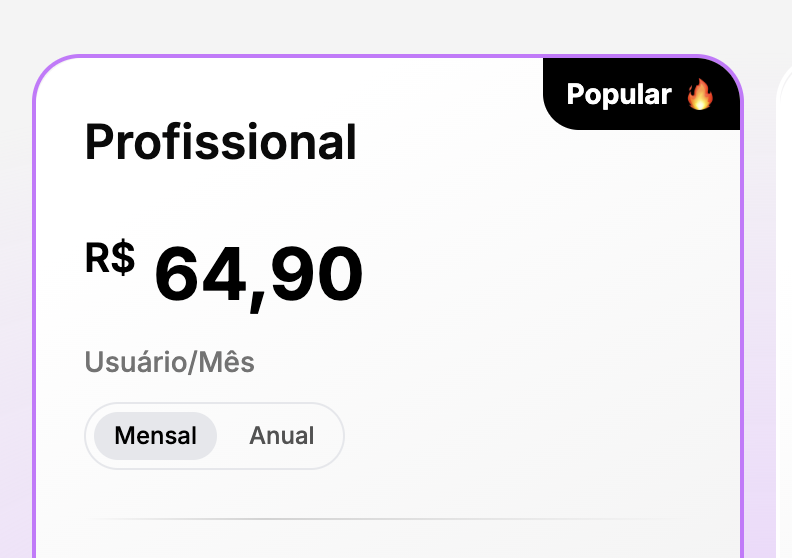
Pricing for your region
Location detection is now faster and more reliable, so you always see the right plan prices for your country.
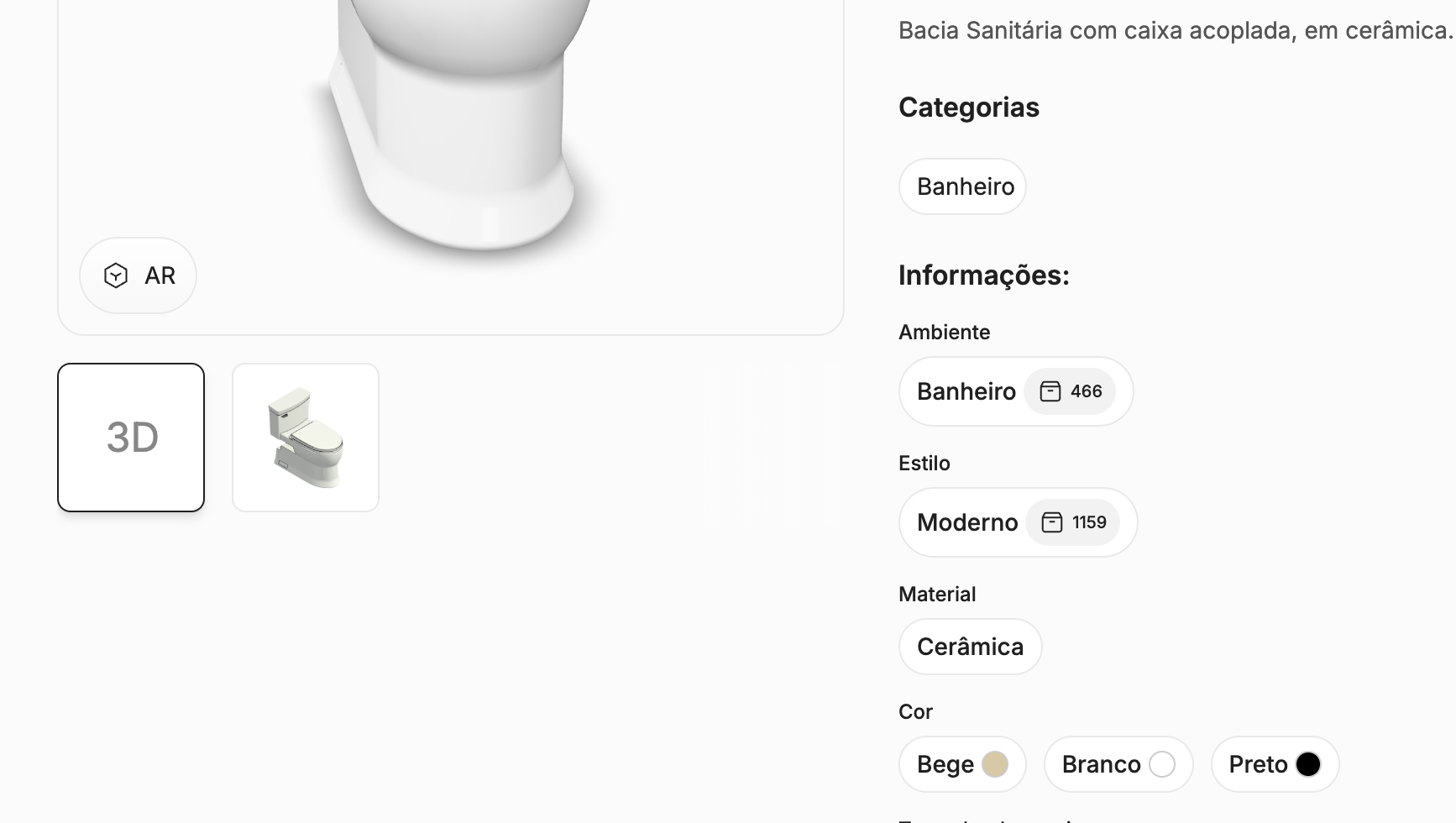
More details on every family
On the website, each family page now shows style, material, color and application spaces, so you can choose with more confidence.
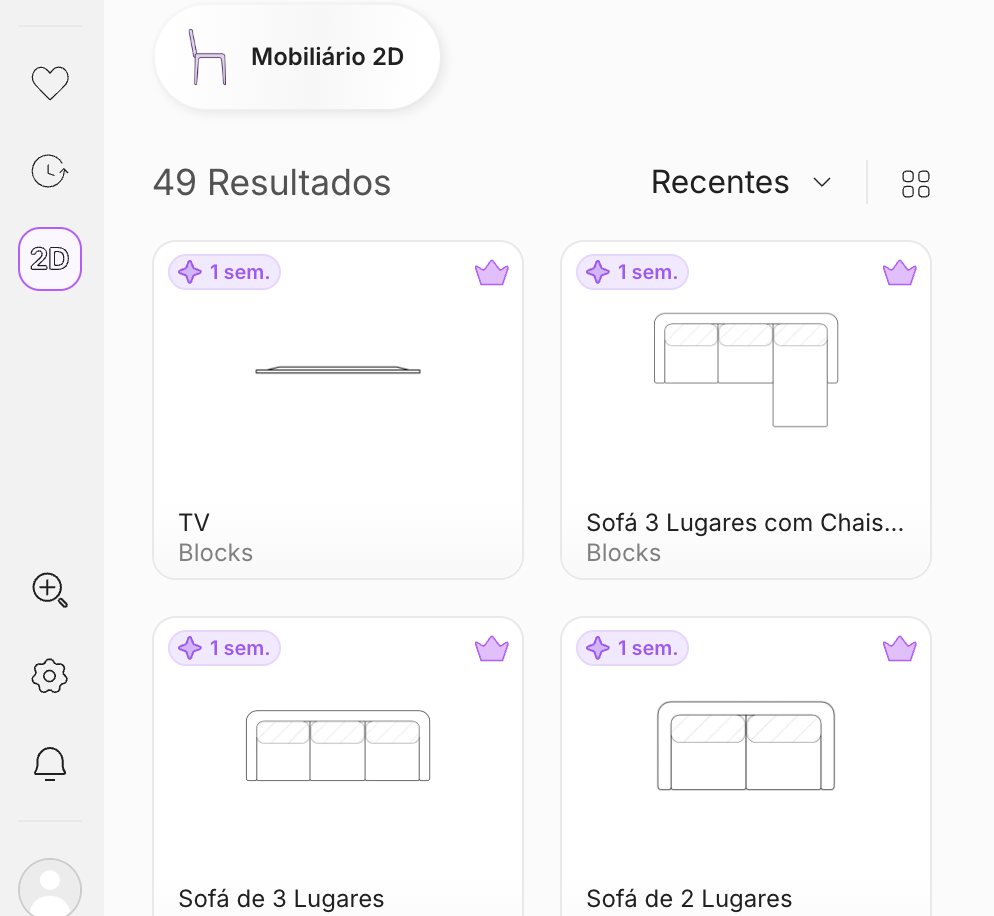
New: 2D Collection
Blocks now offers 2D families, gathered in a dedicated area on the website and in the plugin. Use them in early-stage studies to test layout, circulation and occupancy right on the floor plan, without weighing down your Revit file.

Bug fixes
Fixes:
- Adjusted the family card so the variation photo fills the full available height, improving product visibility.
- Manufacturers with only materials registered now appear in search results.
- Manufacturers with no families registered in the selected language no longer appear incorrectly in search results.
- The manufacturer listing on the website works correctly again.
- Manufacturer images in WEBP format now load correctly in all browsers.
- Stripe invoices for the student plan now display the buyer's name.
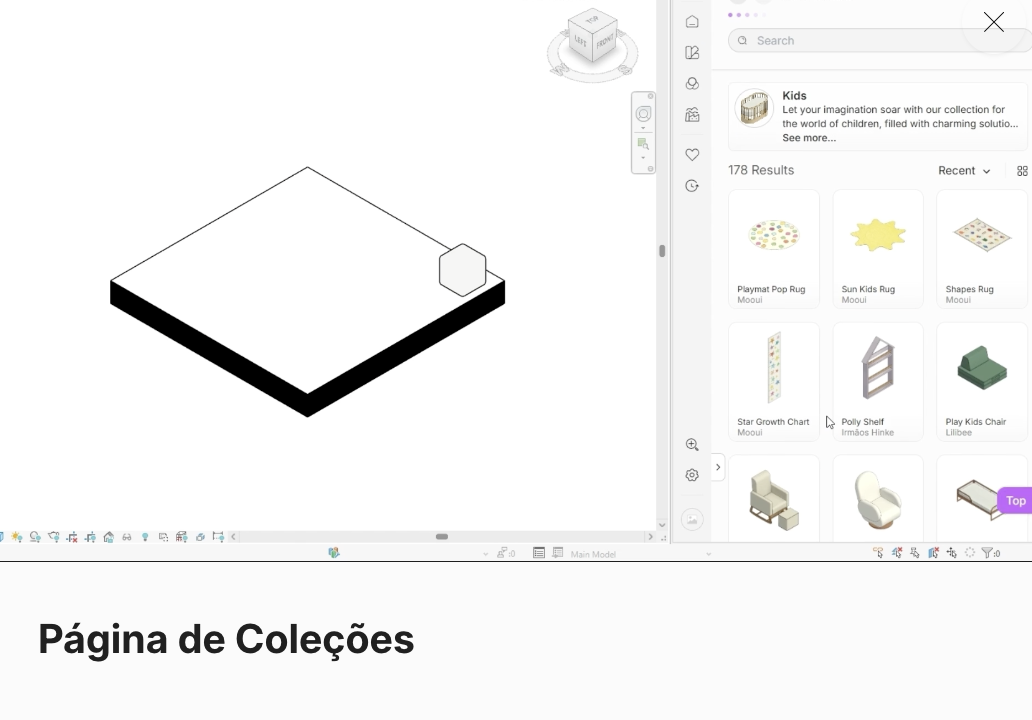
Feature-by-feature onboarding in the plugin
We've added an interactive onboarding in the plugin that walks you through the main features step by step, helping you get the most out of the tool from your very first use.

Notifications on the website and plugin
You can now view your account notifications directly from the website or the plugin, without switching between platforms. Stay on top of updates, alerts, and important announcements in real time, wherever you're working.
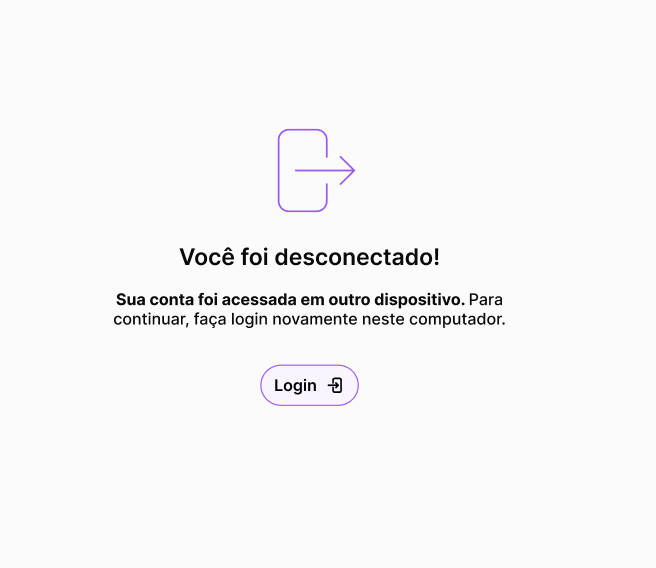
Alert when signed out by another device
You will now receive a notification when you are automatically signed out due to access from another device. This makes it easier to identify unexpected logins and keep your account secure.
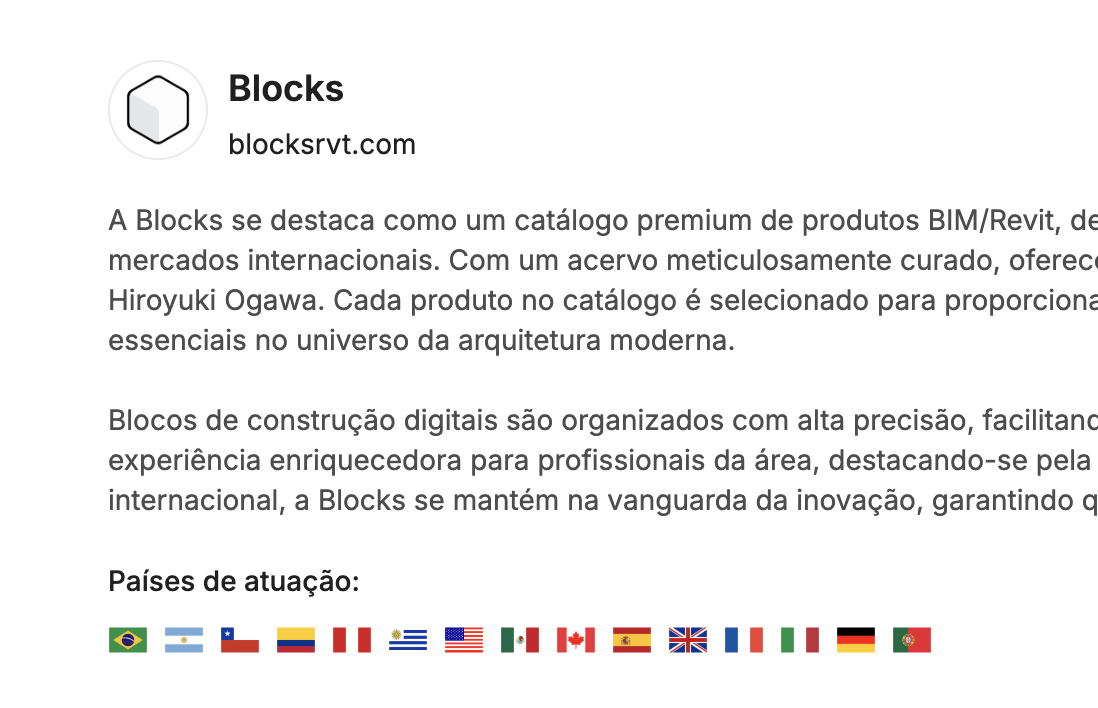
Updated manufacturer details page layout
We've updated the manufacturer details page layout to make information clearer and easier to find, improving your browsing experience.
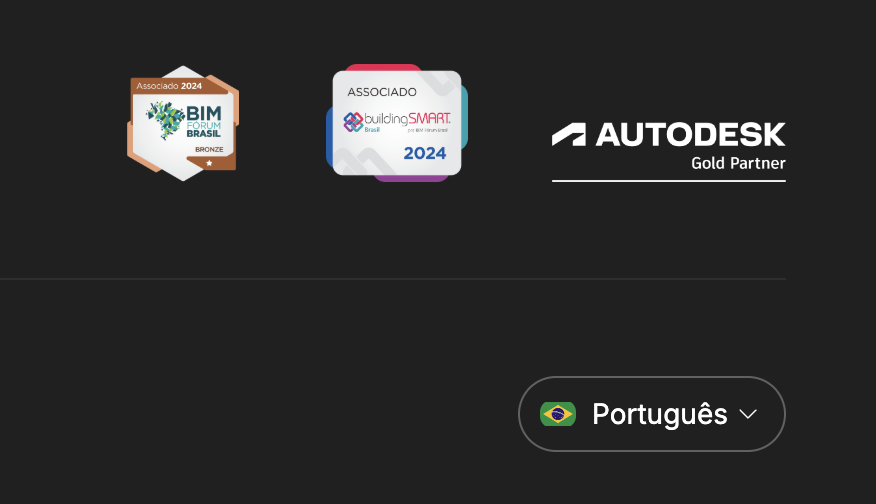
Account language selector moved to the footer
We moved the account language selector to the site footer, making navigation cleaner and more consistent.
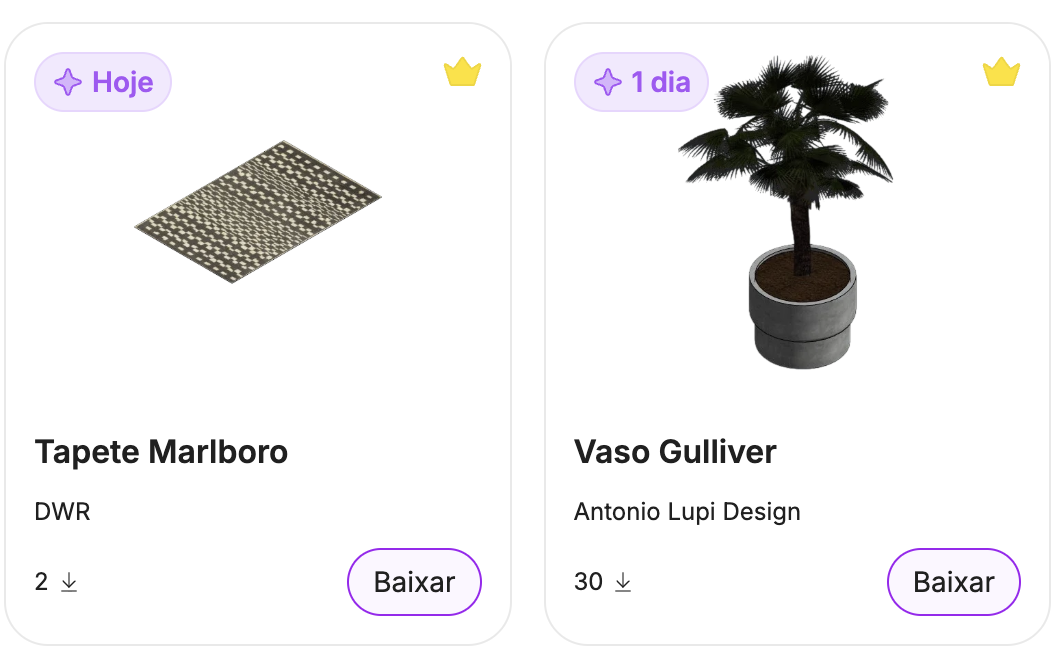
Publication days shown on the family card
The family card now shows how many days ago the product was published, making it easier to spot new additions.
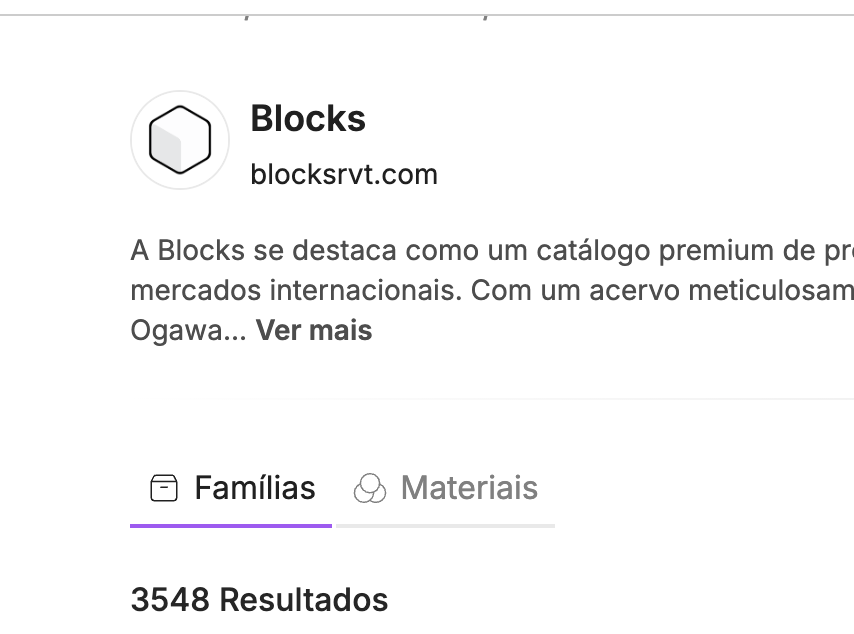
Manufacturer page split into Families and Materials tabs
The manufacturer page now organizes content into separate Families and Materials tabs, making navigation easier.
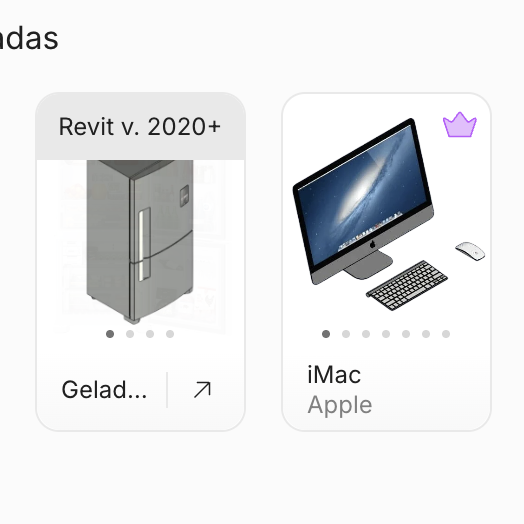
Image gallery on the family card
Family cards now display a gallery with multiple images, letting you preview different angles and product variations without opening the detail page. Browse through the photos directly from the listing.

Updated 404 error page layout
We've updated the 404 error page layout to make it clearer and more intuitive, helping you find your way back quickly.